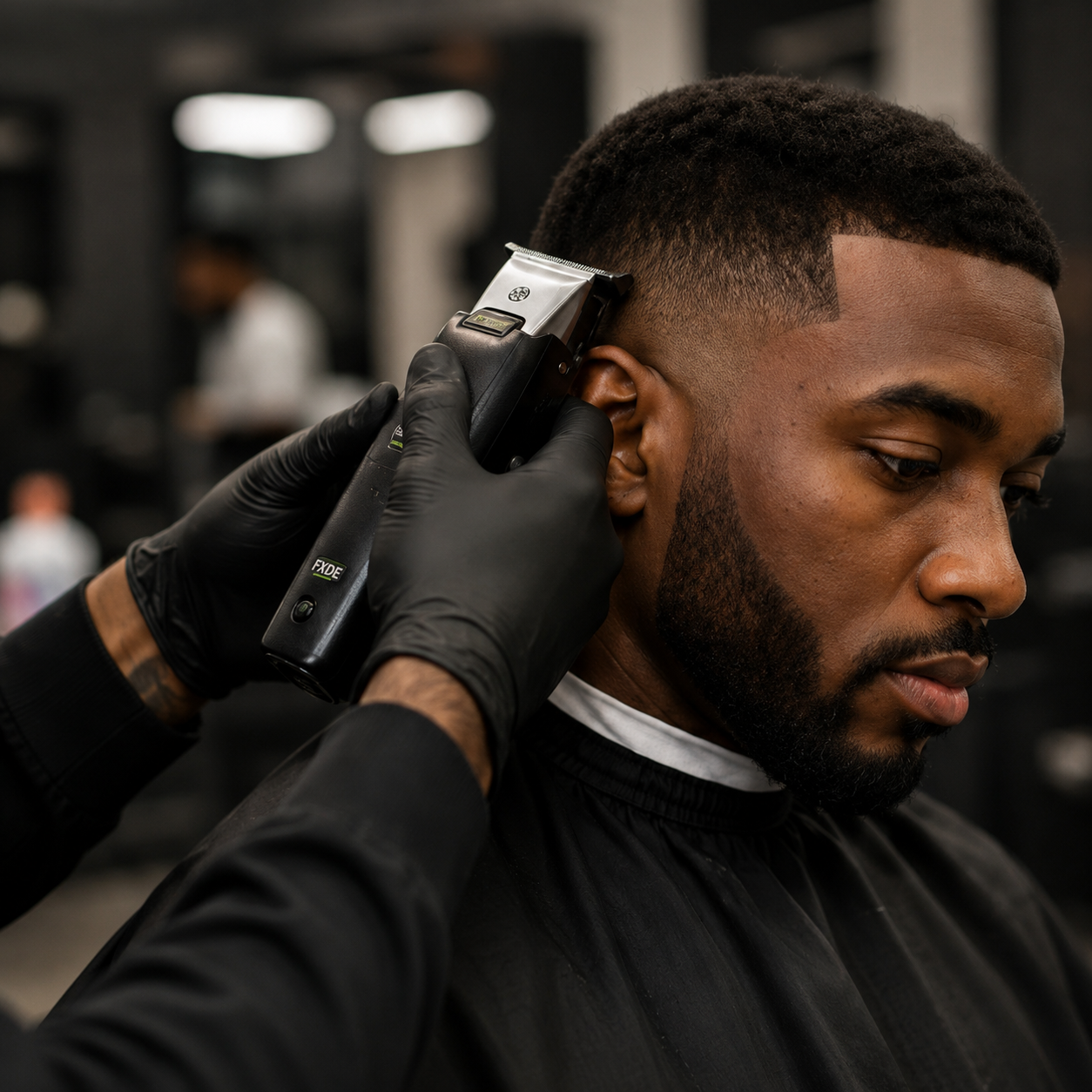

Zero-gapping is one of the most talked-about tricks in barbering. Done well, it gives sharp outlines and clean fade work. Done badly, it nicks skin and wears out blades. This guide explains what it is, how to do it, and when to leave it alone.
What zero-gapping is, and what it is not
A T-blade trimmer has two parts at the cutting edge: a fixed blade and a moving blade that slides across it. The space between their cutting edges is the gap. Zero-gapping closes that space, so the edges meet closely and cut right at the skin.
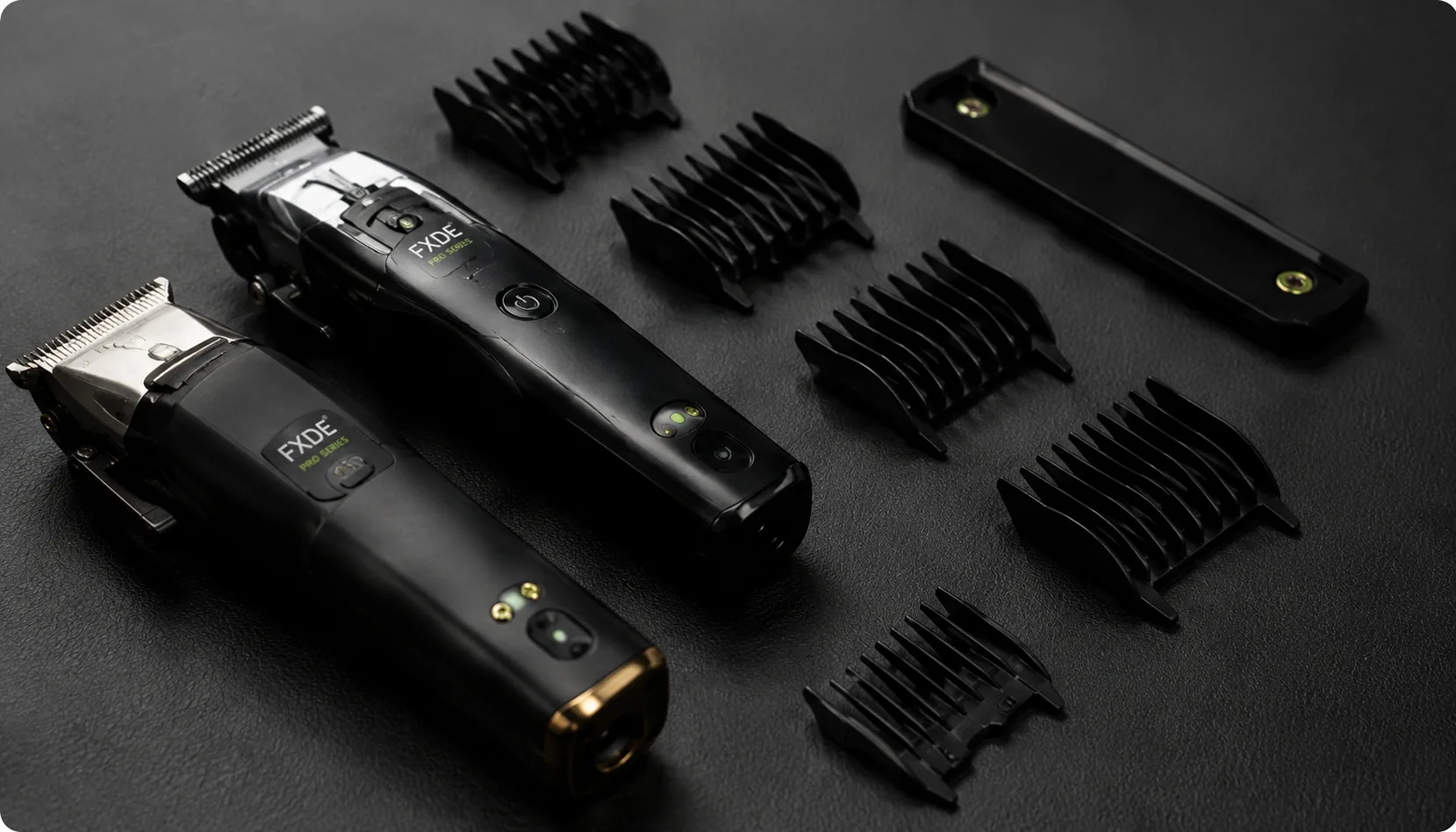
It is not a repair, and it is not needed on every tool. Some trimmers are built for close lines out of the box. The box of the FXDE Cordless T-Outline Trimmer Pro Series advertises closed gaps for precision trimming, so check your manual and test the trimmer before changing anything.
Before you start
- Switch the trimmer off and, if it is plugged in, unplug it.
- Read the manual for your model. Some blades have limited room to adjust.
- Check your warranty terms before opening or adjusting a tool. If you are unsure whether adjusting affects the warranty, contact FXDE on 010 102 2115 before you start.
- Have a small screwdriver, a cleaning brush and blade oil ready, and good light.
How to zero-gap a trimmer, step by step
- Switch off and remove any guards. The trimmer should be off for the whole adjustment.
- Brush out the hair and oil the blade. A clean, oiled blade moves freely and shows you the true alignment.
- Loosen the two blade screws slightly. Do not remove them. You only want the blade to be able to slide.
- Slide the blade into position. The tips of the moving blade should be level with the tips of the fixed blade, or a hairline behind. A zero-gap tool, if you have one for your model, holds the blades in the right position while you work.
- Tighten the screws gently and evenly, one then the other, while holding the blade in place.
- Check by eye. In good light, look at the tips from the front. The moving blade must not poke out past the fixed blade.
- Run it briefly, away from skin, and listen. It should sound smooth, not rattle or scrape. Add a drop of oil.
- Test on your own arm or leg, never on a client first. If it pulls, snags or irritates, loosen the screws and move the moving blade back a touch.
Safety rules that matter
- The moving blade must never extend past the fixed blade. If it does, it can cut skin.
- Never adjust while the trimmer is running or plugged in.
- Keep the blade oiled after zero-gapping. Close blades create more friction and heat, so oil often.
- Beginners should keep the factory setting. Manufacturers generally advise beginners not to zero-gap, because it is easy to cut skin.
- Stop if a screw is stripped or the blade will not sit flat. Replace the blade rather than forcing it.
When not to zero-gap
- You are new to trimming, or still learning outlines.
- The trimmer is already designed with a closed gap.
- The blade is worn, chipped or rusty. Replace it instead. The T-Outline Detachable Blade is a ready replacement for the T-Outline trimmer.
Keeping the blade in shape
A zero-gapped blade only stays crisp if it is looked after. Brush it out after every client, oil it regularly, and replace it when it dulls. For more care tips, read clipper maintenance 101, how to sharpen clipper blades and our guide to the best barber trimmers in South Africa. Browse trimmers and blades.